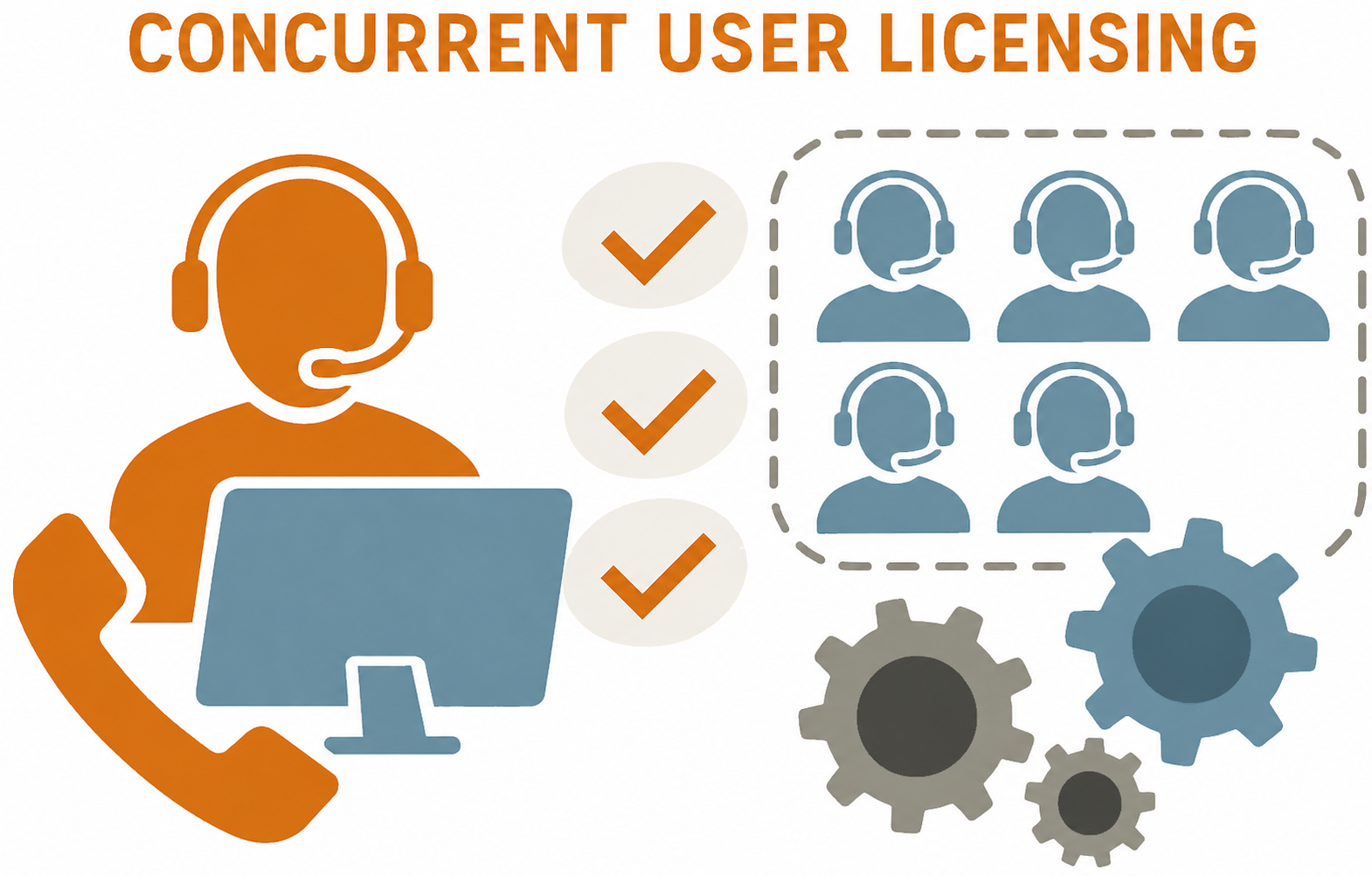
The anyContact innoACD platform is based on a flexible and resource-efficient licensing model using Concurrent User Licenses. Unlike Named User Licenses, where each agent requires a fixed license regardless of usage, concurrent licensing allows dynamic allocation of licenses based on actual usage.
How it works
With Concurrent User Licensing, a license is only consumed when a user actively utilizes a licensed feature. This allows multiple users to share a common license pool, provided they are not using licensed functions simultaneously.
A User License is consumed as soon as at least one of the following conditions is met:
-
the user is actively working as an agent,
-
the user is using the Callback Management,
-
the Dashboard is running,
-
the Reporting module is running.
The license remains allocated for as long as any of these licensed functions are in use. Once all licensed functions have been closed or are no longer in use, the license is automatically released and becomes immediately available for another user from the shared license pool.
Benefits for customers
-
Cost efficiency: Companies pay only for the actual concurrent usage, not for the total number of potential users.
-
Scalability: Especially beneficial for organizations with shift work, part-time staff, or seasonal fluctuations in personnel needs.
-
Transparency & control: Real-time monitoring of license usage via integrated license monitoring.
License provision and validity mechanism in anyContact innoACD
Licenses can be purchased either through innovaphone or directly from SNcom.
Purchasing through innovaphone is based on the official innovaphone price lists. Please contact innovaphone directly or your responsible sales partner for this.
It is possible to flexibly combine innovaphone system licenses and direct system licenses.
Provision and activation of a direct license via SNcom
After ordering an innoACD license, the customer receives a specific license key, which is activated via the central management application “AC Admin.” This key activates the system according to the ordered features and user count.
Provision and activation
-
The license key is generated individually after order verification and provided to the customer by our order processing or project team.
-
The key is applied via the AC Admin app, where the license status can also be viewed at any time.
-
Activation is effective immediately on the system side and includes all configured apps and functions.
Duration and usage
-
An innoACD license is valid for 12 months from the licensed start date.
-
Current and maximum possible license utilization is visible in the “AC Agent Dashboard” for authorized users, enabling administrators and supervisors to monitor the license situation at all times.
Provision and activation of a license obtained through innovaphone
You will receive a license file from your sales partner, which must be activated in the PBX with the corresponding serial number. Please note that all existing licenses must always be activated together.
-
Importing the license file into the PBX
Open the classic configuration interface of the PBX and navigate to:
General → License
Select the provided license file via “Choose File” and activate it with “Upload”. -
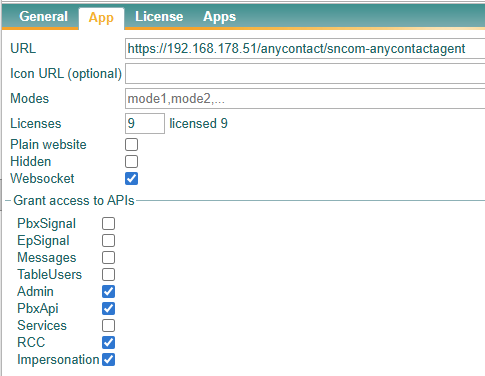
Assigning the license to the AC Agent application
After successful activation, navigate to:
PBX → Objects → AC Agent
Open the “App” tab and enter the number of licenses you want to assign to this app platform in the “License” field.
Grace Period
-
After the regular license period expires, a two-week grace period automatically begins.
-
During this time, the system remains usable to allow the customer to renew or extend the license in time.
-
If the license is not renewed within the grace period, system functionality ends automatically. The system then switches to a “demo mode,” allowing only two agents to log in. Full use of innoACD is possible again only after applying a new valid license key.