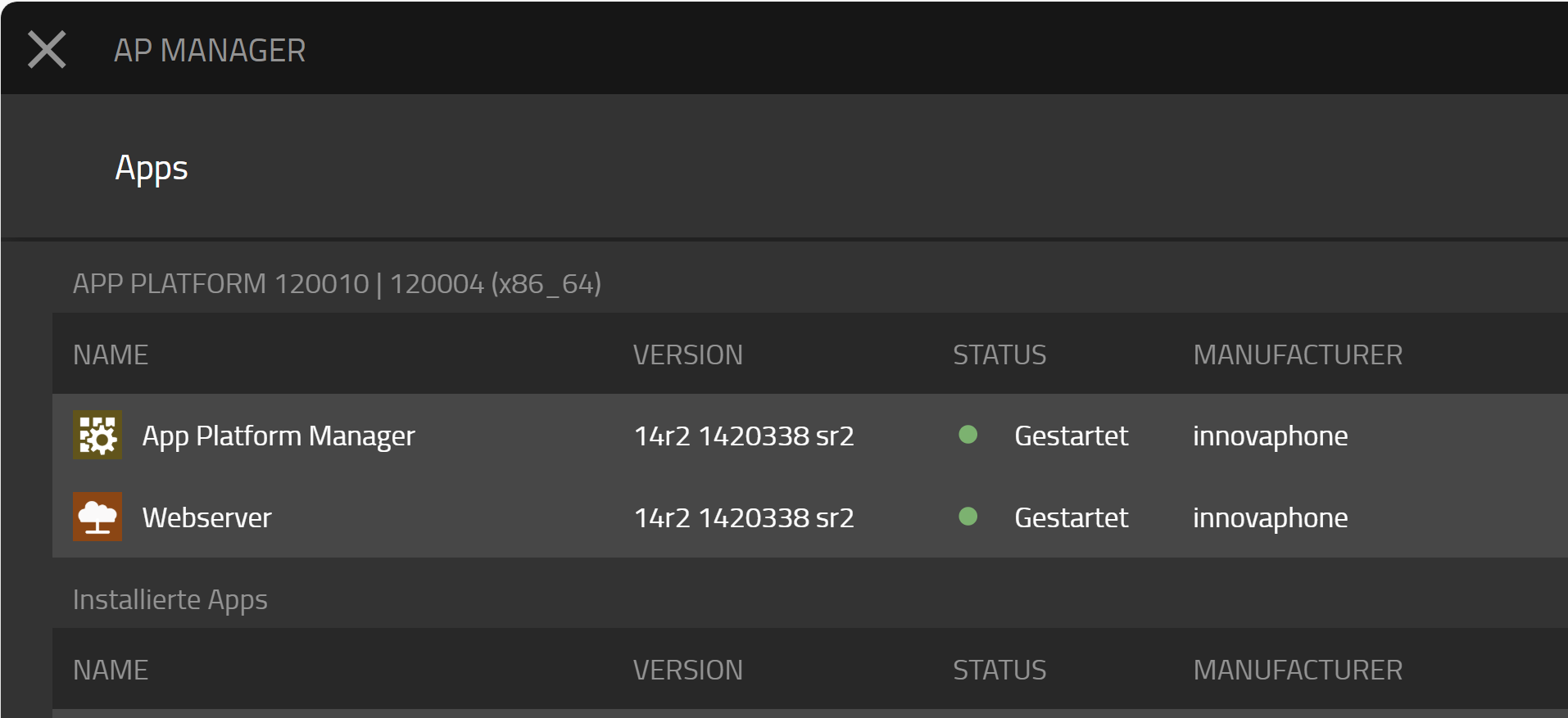
Log in to the AppPlatform (AP) Manager on your innovaphone App Platform.
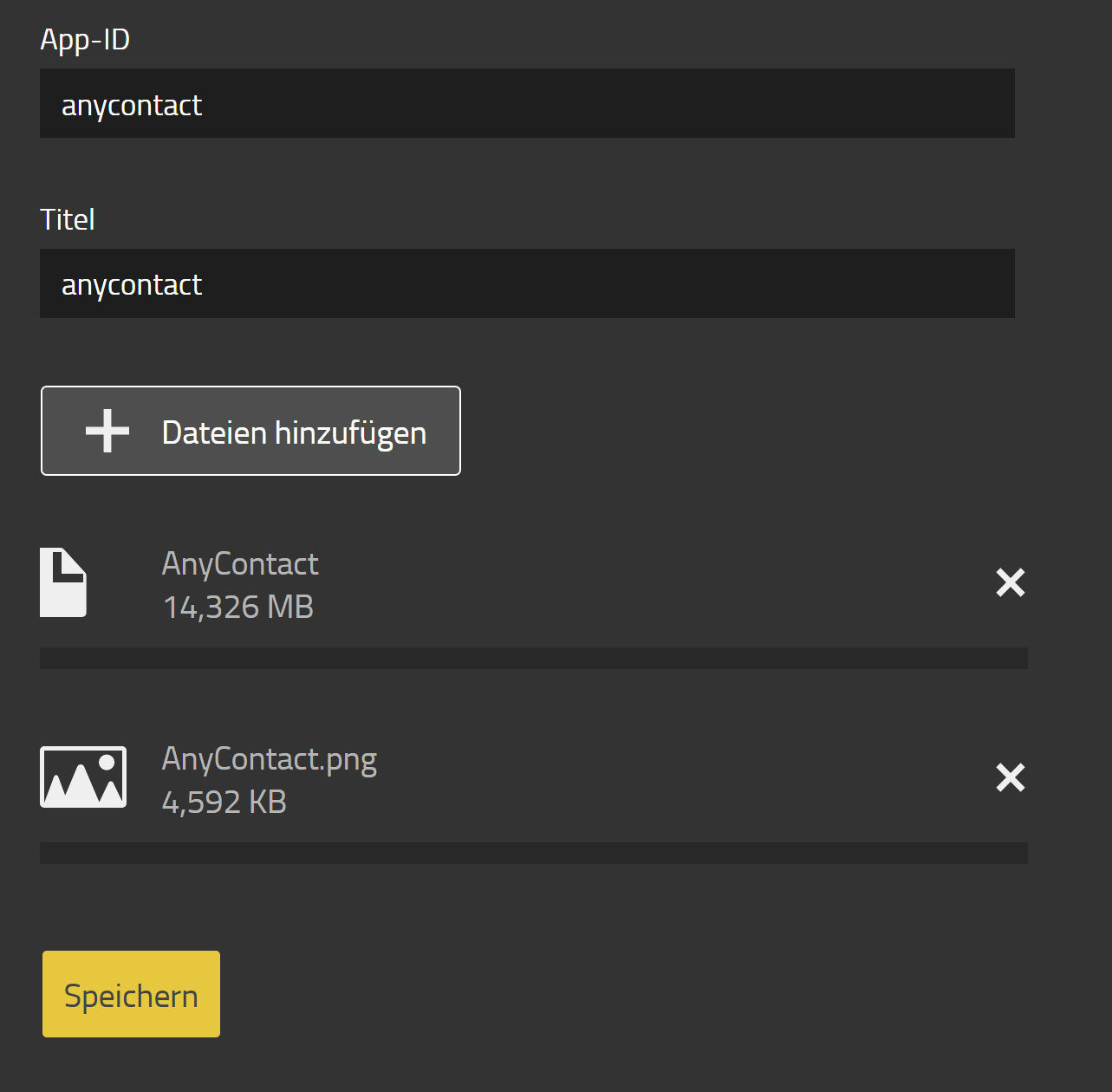
Click the “App Upload” button in the top-right menu bar and fill in the fields as shown.
If the “App Upload” button is not visible, enable it by clicking the “Settings” button and checking “Enable Developer Mode” under the “General” section.
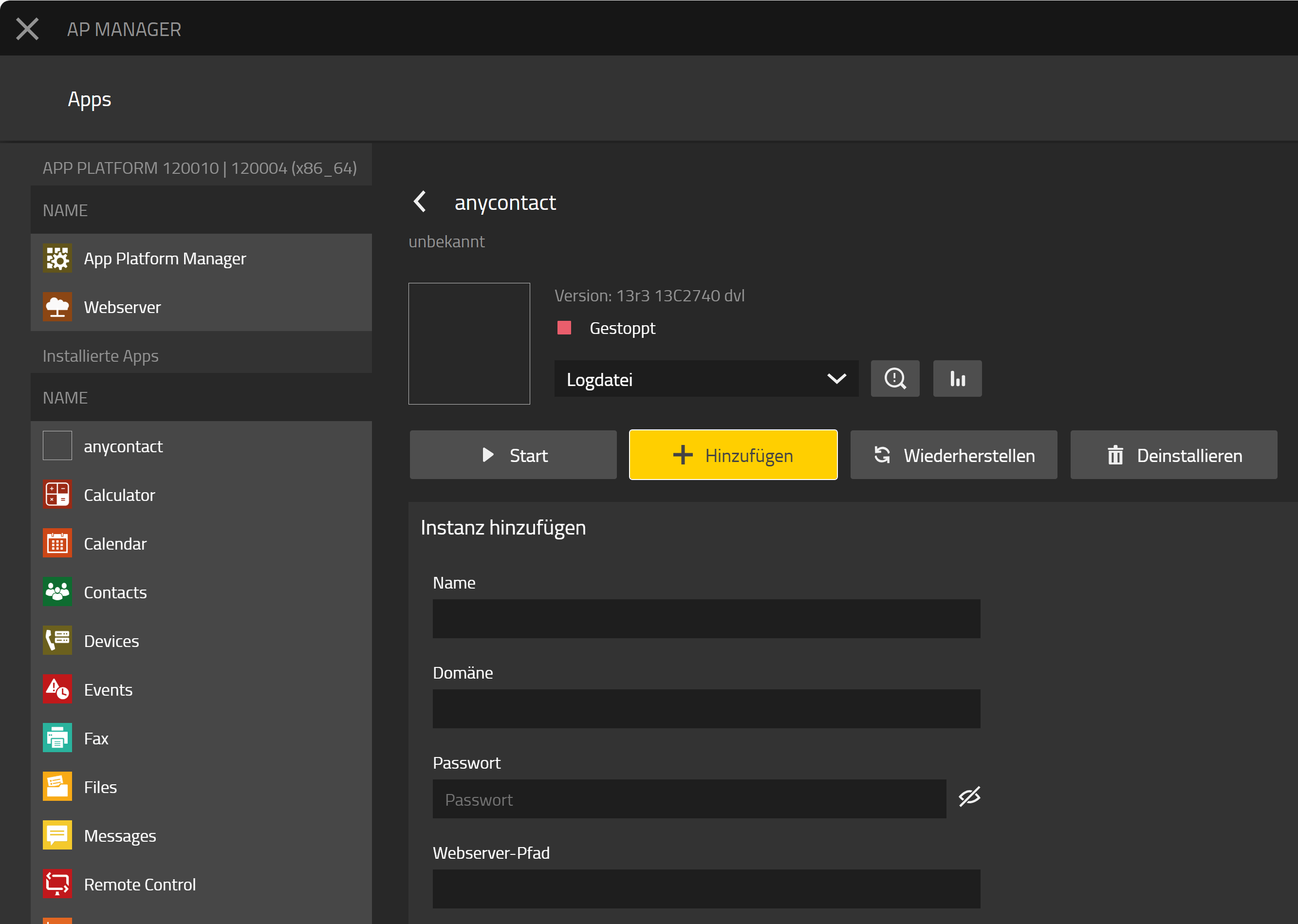
Now add an app instance and use the values listed in the table below.
|
Name |
Wert |
Erläuterung |
|---|---|---|
|
Name |
anycontact |
|
|
Domäne |
siehe pbx |
PBX → Config → System Name |
|
Password |
pwd |
|
|
Webserver path |
anycontact |
|
|
Database host |
leer |
|
|
Database name |
anycontact |
|
|
Database user |
anycontact |
|
|
Database password |
pwd |
|
Save the settings.
Continue with the steps from the chapter “Setting up the Application Objects.”
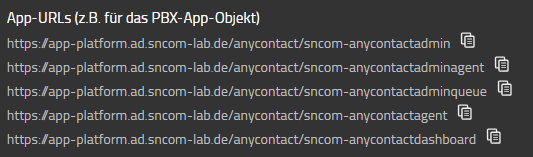
The required instance-specific URLs are listed below the input fields and can be copied to the clipboard from there.